Migrating from Omnisend to Klaviyo Without Losing Data
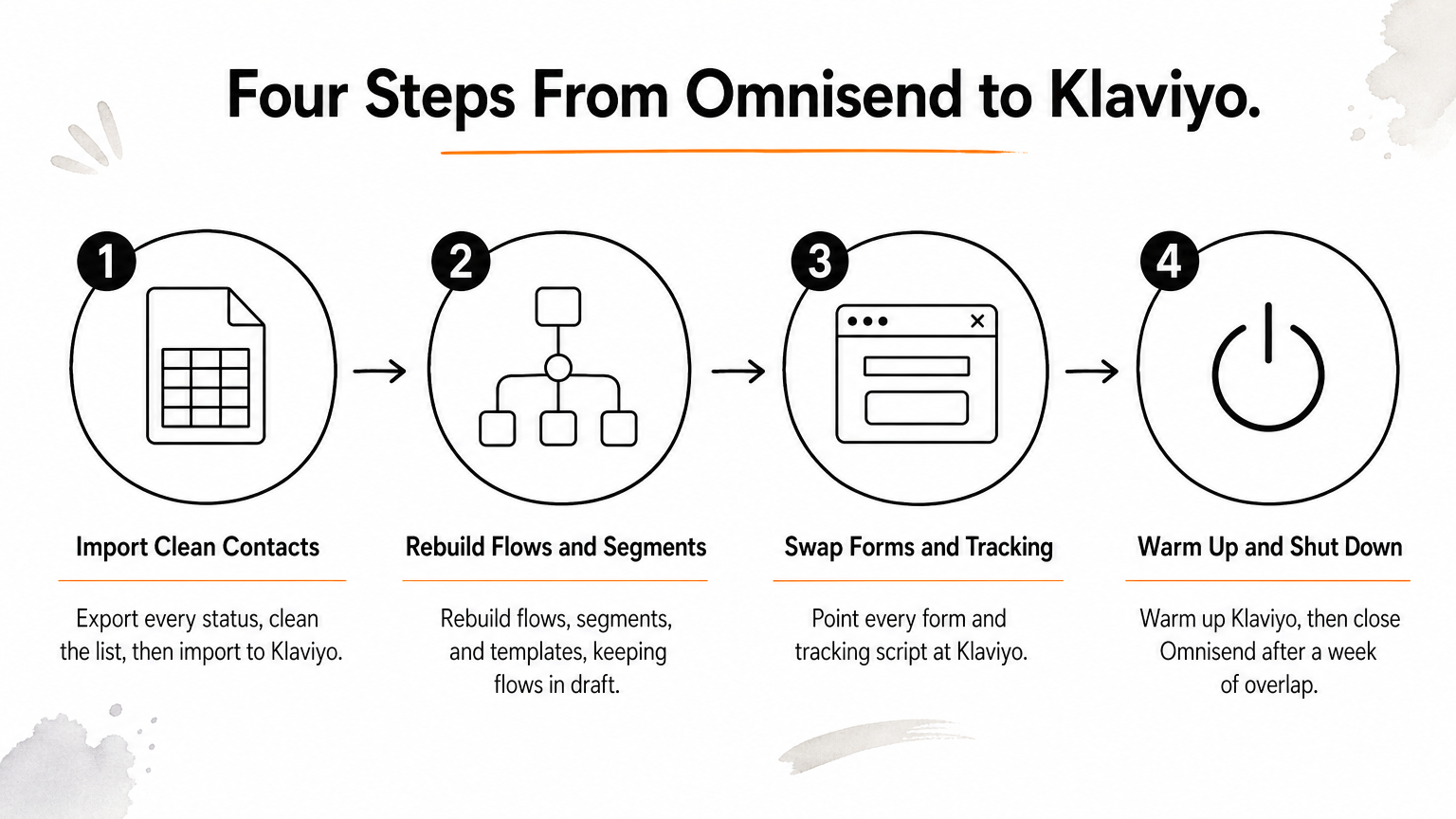
The cleanest way to handle migrating from Omnisend to Klaviyo is in four steps. Export and import your clean contacts, rebuild your flows, segments, and templates, swap every form and tracking script, then warm up Klaviyo and shut Omnisend down. Klaviyo has no built-in Omnisend sync, so contacts move by CSV and automations are rebuilt by hand. Run both platforms side by side for about a week.
The export is the easy part. The failures are quiet. A welcome series fires at 10,000 existing customers, a popup keeps feeding Omnisend for weeks, unsubscribes never carry over, or a cold sender reputation sends your first campaign to spam. Each one costs revenue or deliverability, and most are invisible until the numbers drop.
This guide follows the order that avoids those problems. We run email and SMS programs for ecommerce brands on both Klaviyo and Omnisend at Chromex Marketing. You will see what moves and what doesn't, then get four steps with specific actions, a worked warm-up example, and a cutover checklist.
What to know before migrating from Omnisend to Klaviyo
Only contacts and suppressions move as data. Everything else, including flows, segments, templates, and forms, gets rebuilt in Klaviyo. Knowing that up front sets the right expectations for time and effort.
What moves and what you rebuild
| Asset | How it moves |
|---|---|
| Contacts and custom properties | CSV export from Omnisend, CSV import to Klaviyo |
| Unsubscribes and hard bounces | Export every status, upload to Klaviyo's suppression list |
| Segments | Rebuilt from the rules you write down |
| Automations | Documented, then rebuilt as flows |
| Templates | Rebuilt in the editor or imported as custom HTML |
| Forms and popups | Replaced with Klaviyo forms |
| Campaign reports | Exported and saved for benchmarking |
Contacts and suppressions travel as files; everything else is a rebuild.
Timeline and prep
Most migrations take two to three weeks, and most of that time goes to rebuilding flows, not moving contacts. Plan to overlap both platforms for roughly a week so nothing slips through. Before you start, get admin access to both accounts and screenshot every Omnisend automation.
Timing matters too. Avoid starting a migration in the weeks before Black Friday and Cyber Monday. If peak season is close, finish the move first or hand it off. Our BFCM Email & SMS System is a one-time done-for-you build that works on Klaviyo or Omnisend.
Step 1. Import clean contacts into Klaviyo
Export everything from Omnisend, clean it, connect your store to Klaviyo, and only then import. Doing it in this order protects your sender reputation from the first send.
Export and clean your list
Export contacts with tags and custom properties, and include every subscription status, not only subscribed contacts. You need the unsubscribed and bounced addresses to suppress them in Klaviyo. Then split the file by engagement. Mark anyone who opened or clicked in the last 90 days as engaged. Remove invalid and hard-bounced addresses entirely.
Klaviyo recommends importing clean lists, because bloated, inactive lists drag down deliverability. Add a column such as Source with the value Omnisend so you can trace these profiles later.
Connect your store, then import
Connect your store first. Klaviyo then syncs customer profiles, order history, and your product catalog, which later flows depend on. Next, import the CSV and map each column in the import screen. A simple layout works well:
Email,Phone Number,First Name,Last Name,Source,Engaged 90 Days
Upload unsubscribes and hard bounces to the suppression list before any send. Keep list-triggered flows in draft until the import finishes, otherwise your welcome series can hit existing customers. Import SMS subscribers separately, with their consent records.
Suppress the bad addresses and hold your flows in draft before you import anything.
Step 2. Rebuild flows, segments, and templates
Rebuild in order of revenue, starting with the flows that earn the most. Treat migrating from Omnisend to Klaviyo as a chance to improve timing and logic, not to copy every old mistake.
Rebuild your automations as flows
Open your screenshots and note each trigger, delay, filter, and message. Then build in this order: welcome series, abandoned cart, browse abandonment, post-purchase, and win-back. Klaviyo's flow builder supports conditional splits and time-delay logic, so add a split where your Omnisend version sent the same message to everyone, such as first-time buyers versus repeat buyers.
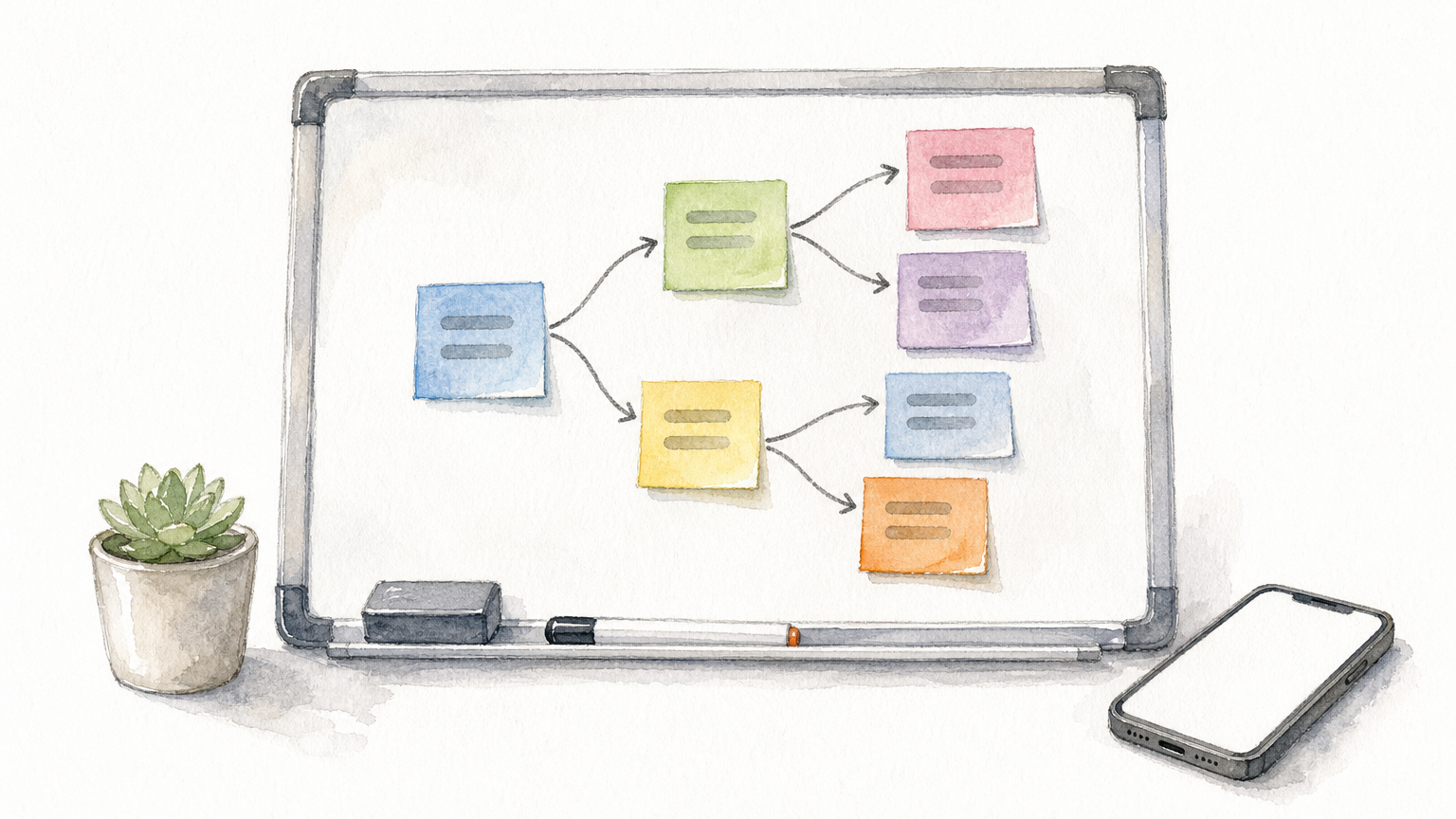
Leave every flow in draft or manual mode. Test each one with a seed profile, check that triggers fire, and confirm links and mobile rendering. Go live only on cutover day.
Recreate segments and templates
Segments do not export as logic, so write each Omnisend segment as a plain sentence, such as "bought twice in 180 days and opened in 60." Then rebuild it from purchase and engagement data. Because your store now syncs to Klaviyo, you can often make these segments sharper than before.
For templates, you have two options. Import HTML as a custom HTML template to keep an exact layout. Or rebuild in the drag-and-drop editor, which is usually faster to maintain. Rebuild your header, footer, and product blocks once and reuse them.
Write every segment as a sentence first, then build it, so no rule gets lost.
Step 3. Swap forms and tracking
Every sign-up source and tracking script must point to Klaviyo before you switch. One forgotten popup keeps sending new subscribers to a platform you are about to cancel.
Replace every sign-up source
Go through your site and list each place an email is collected:
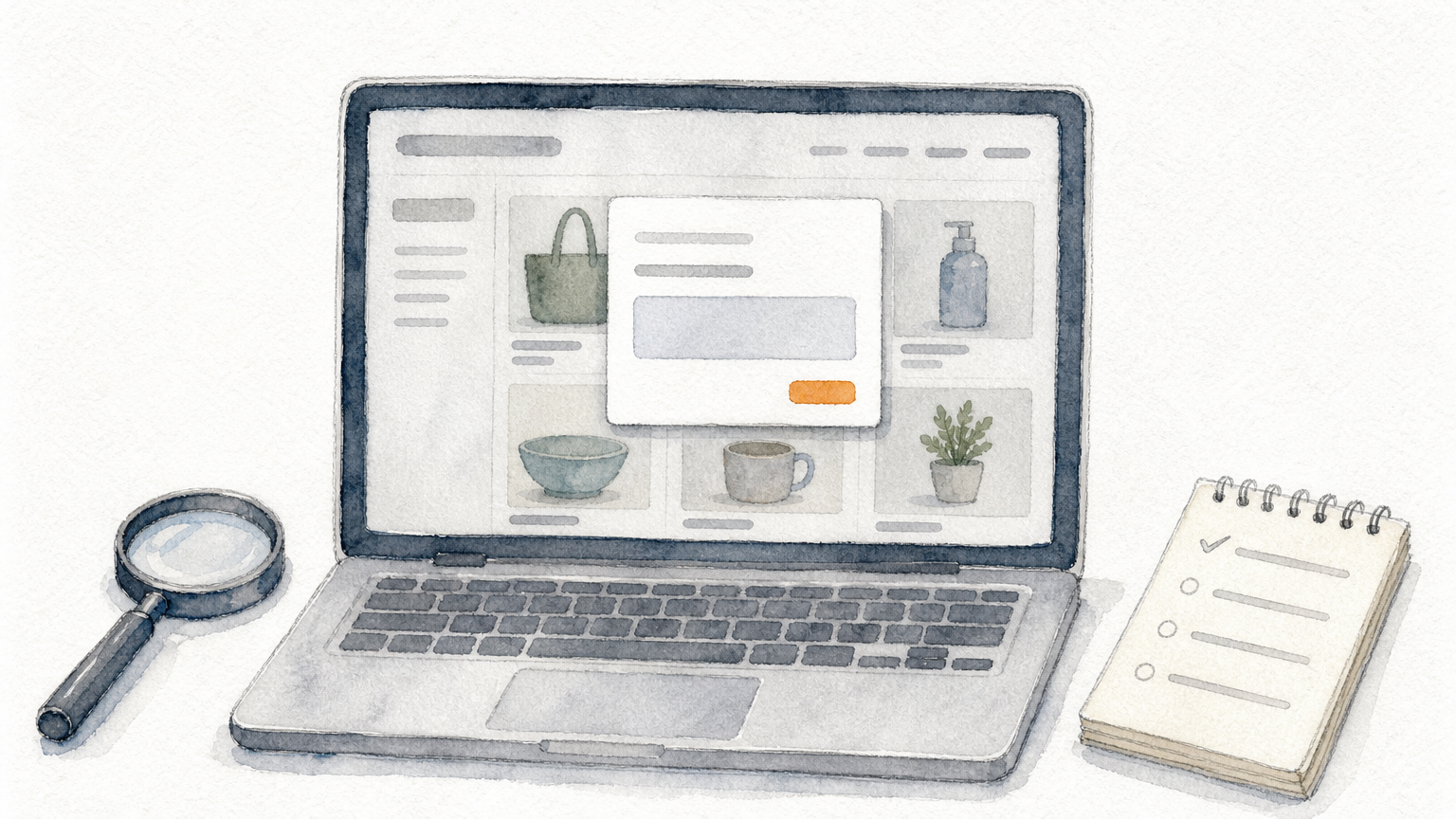
- Popups and fly-outs
- Embedded and footer forms
- Checkout opt-ins
- Third-party tools, such as landing pages and social lead forms
- Account registration pages
Replace each with a Klaviyo form or integration. Install Klaviyo's on-site tracking so browsing data starts flowing, then remove the Omnisend script once the new forms are live.
Confirm nothing still feeds Omnisend
Submit a test email through every form, then check that it lands in Klaviyo and not in Omnisend. After switching, wait a few days and watch Omnisend's contact list. A new subscriber appearing there means at least one source still points to the old platform. Track it down before you cancel.
If Omnisend keeps gaining subscribers after the switch, a form is still pointing there.
Step 4. Warm up, switch over, and shut down Omnisend
Klaviyo gives you a new sending reputation, so start with your most engaged people and grow from there. Then flip the flows live and close Omnisend only after your checks pass.
Warm up your sending
Send your first campaigns only to engaged contacts, then widen gradually over two to three weeks while watching bounces and spam complaints. Here is an illustrative plan for 20,000 contacts:
| Group | Contacts | When it gets mail |
|---|---|---|
| Engaged in last 90 days | 7,000 | Week 1 |
| Engaged 91 to 180 days | 5,000 | Added in week 2 (12,000 total) |
| Older engagement | 6,000 | Week 3, re-engagement flow only |
| Invalid or bounced | 2,000 | Removed |
Contacts who ignore the re-engagement flow should stay off your regular sends.
Cut over and close the old account
Turn on your Klaviyo flows and pause the matching Omnisend automations on the same day, so no customer gets duplicates. Before canceling, run this checklist:
- Save campaign reports and any data you want to keep.
- Confirm contacts and suppressions match your export counts.
- Verify every flow triggers and every form submits.
- Disconnect Omnisend from your store and remove its script.
- Cancel Omnisend after about a week of clean overlap.
Cancel Omnisend only after a week of overlap with clean results.
Making the move stick
Migrating from Omnisend to Klaviyo comes down to order. Clean and import contacts with suppressions first, rebuild flows in draft, swap every form, then warm up and close Omnisend only after your checks pass. Do that and you keep your list, your revenue flows, and your deliverability.
If you would rather not rebuild everything yourself, talk to Chromex Marketing about building and managing your Klaviyo flows.